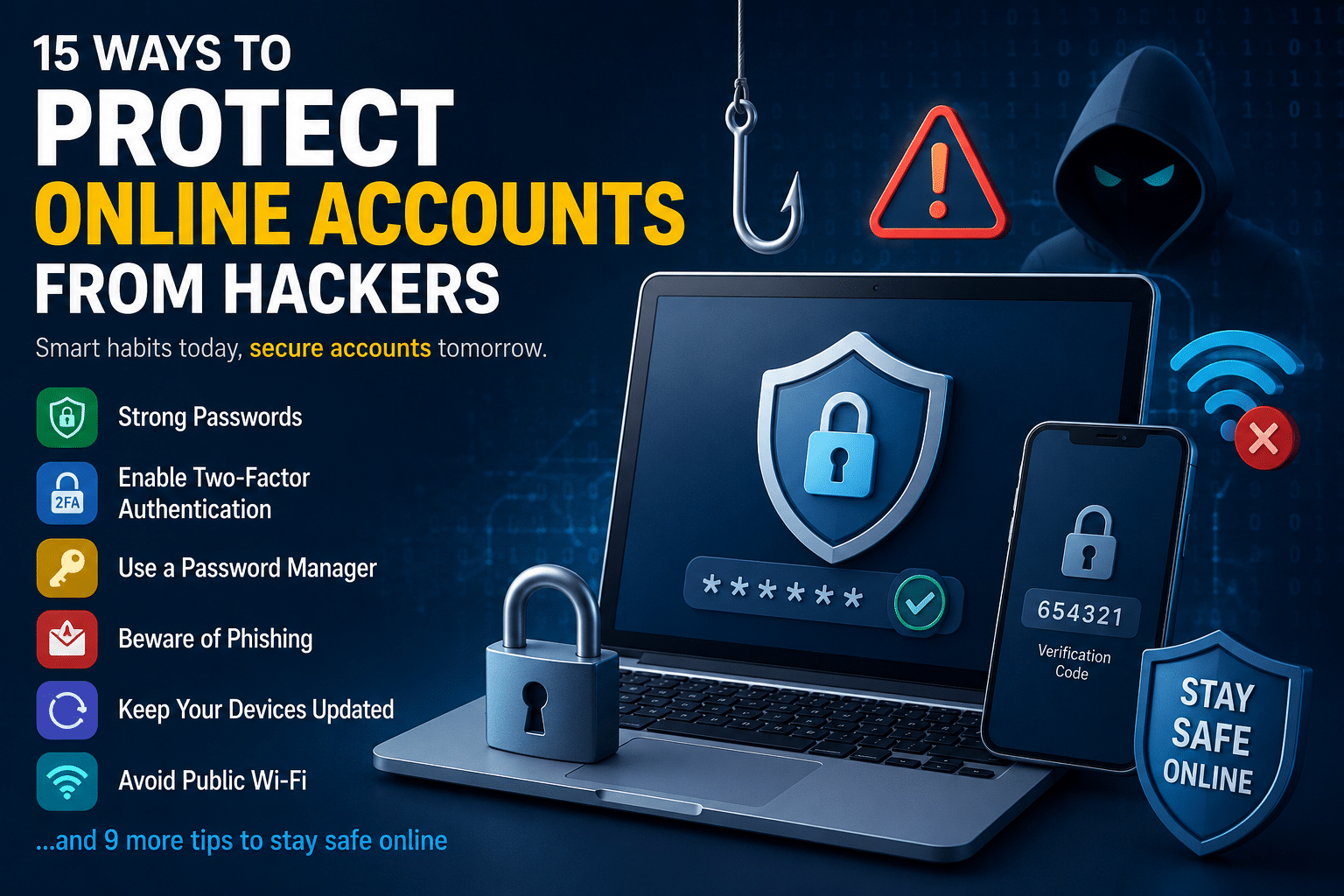
15 Ways to Protect Your Online Accounts From Hackers – Cybercriminals are constantly looking for ways to steal passwords, personal data, and access to online accounts. From phishing emails to data breaches, even a small security mistake can put your information at risk.
Fortunately, protecting your accounts doesn’t require advanced technical knowledge. A few smart cybersecurity habits can significantly improve your online safety.
1. Use Strong and Unique Passwords
One of the biggest mistakes people make is reusing the same password across multiple accounts. If one website gets breached, hackers can use those credentials everywhere else.
Create passwords that:
- Are at least 12–16 characters long
- Include uppercase letters, lowercase letters, numbers, and symbols
- Avoid personal information like birthdays or names
Example of a strong password:
T7!vQ2#kLp9@xM2. Enable Two-Factor Authentication (2FA)
Two-factor authentication adds an extra layer of protection by requiring a second verification step.
Even if hackers steal your password, they still can’t access your account without the second code.
Best options include:
- Authenticator apps
- Security keys
- Biometric verification
Avoid relying only on SMS authentication whenever possible.
3. Use a Password Manager
Remembering dozens of strong passwords is nearly impossible. A password manager securely stores and generates complex passwords for every account.
Benefits:
- Prevents password reuse
- Saves time
- Helps detect weak credentials
Popular password managers include:
- Bitwarden
- 1Password
- Dashlane
4. Beware of Phishing Emails and Fake Websites
Hackers often trick users into revealing passwords through fake emails, messages, or login pages.
Warning signs:
- Urgent language
- Suspicious links
- Spelling mistakes
- Unknown attachments
Always double-check website URLs before entering your credentials.
5. Keep Your Devices Updated
Software updates often contain critical security patches that fix vulnerabilities hackers exploit.
Make sure to regularly update:
- Operating systems
- Browsers
- Mobile apps
- Antivirus software
Enable automatic updates whenever possible.
6. Avoid Public Wi-Fi for Sensitive Logins
Public Wi-Fi networks can expose your data to attackers, especially on unsecured connections.
Avoid logging into:
- Banking apps
- Email accounts
- Payment services
If you must use public Wi-Fi, use a trusted VPN service.
7. Monitor Your Accounts Regularly
Check your accounts frequently for suspicious activity such as:
- Unknown login attempts
- Password reset emails
- Unrecognized transactions
The earlier you detect unusual activity, the faster you can secure your account.
8. Don’t Share Passwords Through Messages
Sending passwords through chat apps or email increases the risk of interception.
Instead:
- Use password-sharing features inside password managers
- Avoid storing passwords in plain text notes
9. Use Secure Recovery Options
Your recovery email and phone number are just as important as your password.
Protect them by:
- Enabling 2FA
- Using a strong password
- Keeping recovery information updated
Hackers often target recovery methods first.
10. Remove Unused Accounts
Old accounts you no longer use may still contain personal information and weak passwords.
Delete accounts connected to:
- Shopping websites
- Forums
- Old apps
- Unused subscriptions
This reduces your digital attack surface.
11. Be Careful With Browser Extensions
Some browser extensions can steal browsing data or track passwords.
Only install extensions from trusted developers and remove anything you no longer use.
Review permissions carefully before installing.
12. Secure Your Email Account First
Your email account is usually connected to all your other accounts.
If hackers gain access to your email, they can reset passwords for:
- Social media
- Banking apps
- Cloud storage
- Shopping accounts
Your email should always have:
- A unique password
- 2FA enabled
- Updated recovery methods
13. Use Antivirus and Anti-Malware Protection
Modern malware can:
- Steal passwords
- Record keystrokes
- Spy on your activity
Reliable security software helps detect and block malicious threats before they cause damage.
14. Limit Personal Information Online
Hackers often use publicly available information for social engineering attacks.
Avoid sharing:
- Full birth dates
- Addresses
- Phone numbers
- Travel plans
Privacy settings on social media should be reviewed regularly.
15. Learn Basic Cybersecurity Habits
Cybersecurity is not a one-time setup — it’s an ongoing habit.
Simple habits like:
- Verifying links
- Updating passwords
- Avoiding suspicious downloads
- Backing up data
can prevent most common attacks.
Staying informed is one of the best defenses against hackers.
Final Thoughts
Cyber threats continue to evolve, but most hacking attempts succeed because of simple security mistakes. By improving your online safety habits and securing your accounts properly, you can greatly reduce your risk of becoming a victim.
Start with the basics:
- Use strong passwords
- Enable two-factor authentication
- Stay alert for phishing scams
- Keep your devices updated
Small security improvements today can protect your personal information for years to come.