
Best Free Data Recovery Software – Accidentally deleting important files, formatting a drive, or experiencing a system crash can happen to anyone. Whether it’s photos, videos, documents, or work files, losing data can feel like a disaster—especially if you don’t have a backup.
- 1. Recuva – Best for Beginners
- 2. EaseUS Data Recovery Wizard Free – High Success Rate
- 3. Disk Drill – Advanced Features & Protection
- 4. PhotoRec – 100% Free & Unlimited
- 5. Stellar Data Recovery Free – Best for Simplicity & Stability
- Comparison Table
- Tips to Increase Recovery Success Rate
- Common Causes of Data Loss
- Conclusion
- FAQ (Frequently Asked Questions)
The good news is, modern technology has made it possible to recover lost files using free data recovery software. These tools scan your storage device, locate recoverable data, and restore it safely—often within minutes.
In this guide, we’ll cover the top 5 best free data recovery software for Windows and Mac, including their features, advantages, limitations, and real-world usability. This article is designed based on practical usage, expert recommendations, and software reliability—so you can choose the right tool without wasting time.
1. Recuva – Best for Beginners
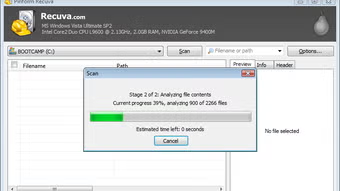
If you’re new to data recovery, Recuva is one of the easiest tools you can use. Developed by Piriform, the same company behind CCleaner, this software is lightweight and very user-friendly.
Recuva offers a simple wizard-based interface that guides you step-by-step through the recovery process. Even if you’ve never used recovery software before, you can recover files without confusion.
Official Website : https://www.ccleaner.com/recuva
Key Features:
- Quick scan and deep scan modes
- Recovers files from HDD, SSD, USB, and memory cards
- Supports images, videos, documents, and emails
- Portable version (no installation required)
Pros:
- Completely free for basic use
- Very easy to use
- Fast scanning process
Cons:
- Not as powerful for severely damaged drives
- Limited advanced recovery features
Best Use Case:
Perfect for recovering recently deleted files from your computer or flash drive.
Read Also : How To Fix Outlook Error 0x8004010f
2. EaseUS Data Recovery Wizard Free – High Success Rate
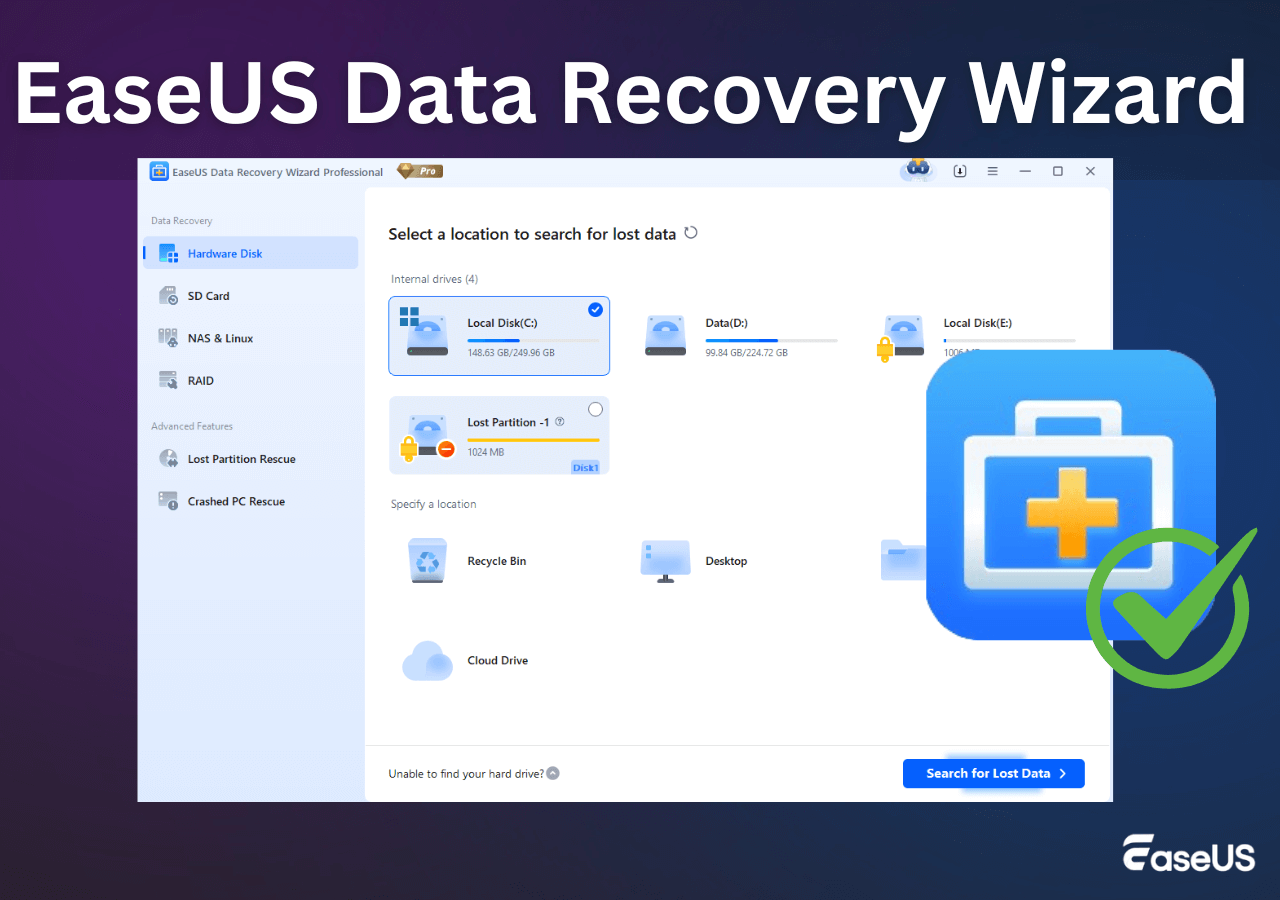
EaseUS is one of the most well-known brands in the data recovery industry. Their free version offers excellent performance, especially for recovering deleted or formatted files.
The interface is modern and clean, making it easy to navigate. What makes EaseUS stand out is its high recovery success rate, even in complex situations.
Official Website : https://www.easeus.com/
Key Features:
- Recovers deleted, formatted, and lost partitions
- Supports Windows & Mac
- Preview files before recovery
- Deep scan for advanced recovery
Pros:
- Professional-grade recovery
- Easy-to-use interface
- Reliable results
Cons:
- Free version has a recovery limit (usually up to 2GB)
Best Use Case:
Ideal for users who want a balance between ease of use and powerful recovery.
Read Also : How to Fix Laptop No Sound On Windows (Quick Guide)
3. Disk Drill – Advanced Features & Protection
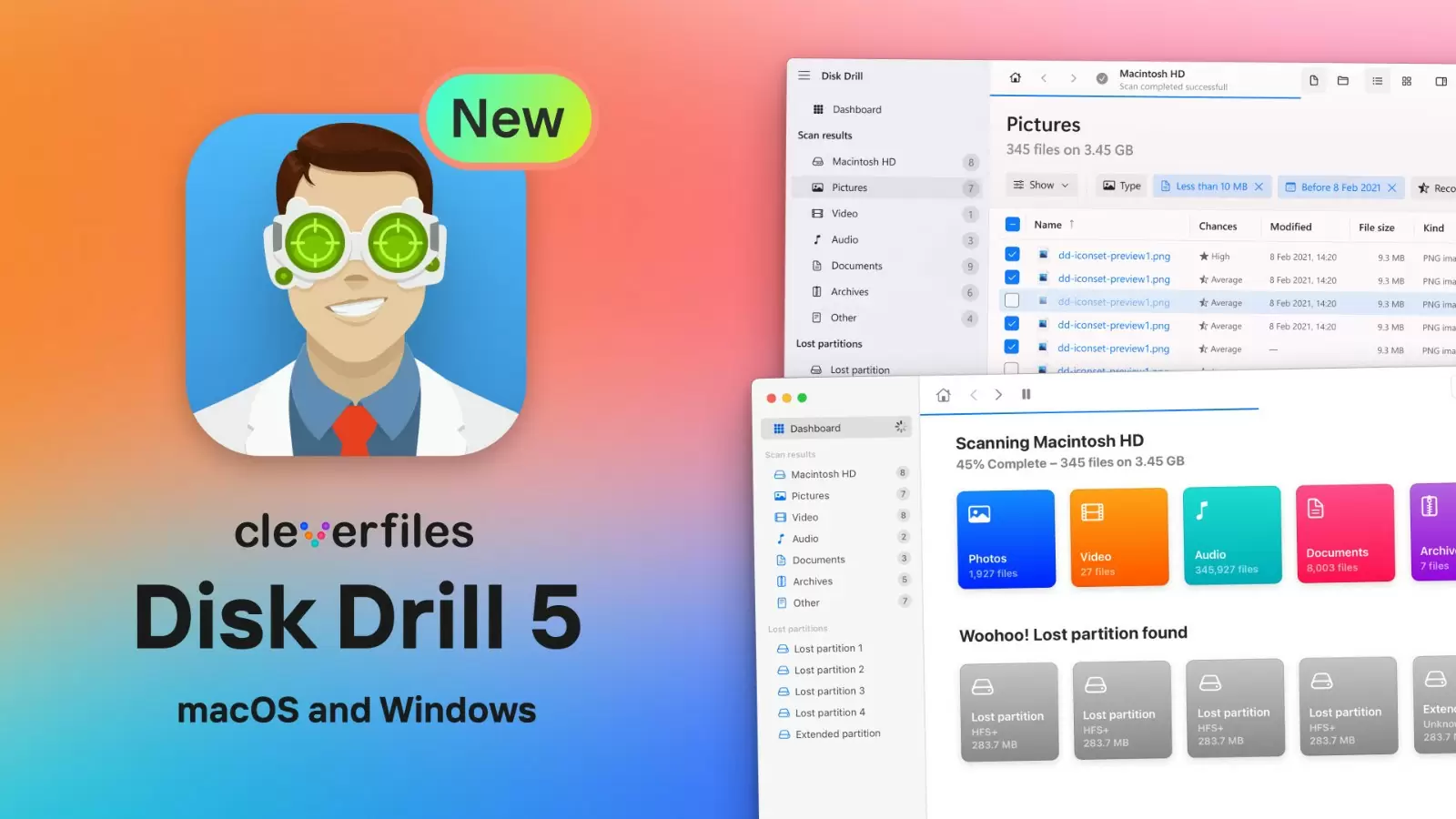
Disk Drill is a powerful recovery tool developed by CleverFiles. It offers advanced scanning algorithms and extra features that help prevent data loss in the future.
Unlike many free tools, Disk Drill includes data protection features such as Recovery Vault, which helps track deleted files before they’re permanently lost.
Official Website : https://www.cleverfiles.com/data-recovery-software.html
Key Features:
- Supports 400+ file formats
- Deep scan and quick scan modes
- Recovery Vault data protection
- Works on Windows & Mac
Pros:
- Very powerful recovery engine
- Clean and modern UI
- Extra disk tools included
Cons:
- Free recovery limited (around 500MB on Windows)
Best Use Case:
Best for users who want advanced tools and better recovery accuracy.
Read Also : How to Enable 5GHz Wi-Fi On Laptop
4. PhotoRec – 100% Free & Unlimited

PhotoRec is a completely free and open-source data recovery tool developed by CGSecurity. Unlike other tools, it does not have any recovery limits.
Although the interface is command-line based (which may look intimidating), the recovery power is extremely strong—even for damaged or formatted drives.
Official Website : https://photorec.net/
Key Features:
- Unlimited data recovery
- Supports hundreds of file formats
- Works on Windows, Mac, and Linux
- Recovers from hard drives, USB, SD cards
Pros:
- Totally free with no restrictions
- Very powerful scanning capability
- Works even on corrupted storage
Cons:
- No graphical interface
- Not beginner-friendly
Best Use Case:
Great for advanced users who want unlimited recovery without paying.
Read Also : How to Fix the Windows Stop Code Memory Management BSOD
5. Stellar Data Recovery Free – Best for Simplicity & Stability
Stellar Data Recovery is known for its clean interface and stable performance. It’s a good option if you want something reliable without too many complicated settings.
The software guides users step-by-step, making it easy to recover files even if you’re not tech-savvy.
Official Website : https://www.stellarinfo.com/
Key Features:
- Recovers photos, videos, documents
- Simple and guided recovery process
- Works on multiple storage devices
- Supports Windows & Mac
Pros:
- Easy to use
- Stable performance
- Good for basic recovery
Cons:
- Free version has recovery limits
Best Use Case:
Best for users who prefer simplicity and a straightforward recovery process.
Read Also : Fix Touchpad Problems in Windows 11
Comparison Table
| Software | Ease of Use | Free Limit | Best For |
|---|---|---|---|
| Recuva | ⭐⭐⭐⭐⭐ | Unlimited (basic) | Beginners |
| EaseUS | ⭐⭐⭐⭐⭐ | ~2GB | High success rate |
| Disk Drill | ⭐⭐⭐⭐ | ~500MB | Advanced users |
| PhotoRec | ⭐⭐ | Unlimited | Tech-savvy users |
| Stellar | ⭐⭐⭐⭐⭐ | Limited | Simple recovery |
How Data Recovery Software Works
When you delete a file, it’s not immediately erased from your storage device. Instead, the system marks that space as “available.” Data recovery software scans this space and restores files before they get overwritten.
This is why speed is crucial—the longer you wait, the lower your chances of recovery.
Read Also : How to Install Windows 11 Without Internet Connection
Tips to Increase Recovery Success Rate
To maximize your chances of recovering files:
- Stop using the device immediately after data loss
- Avoid installing recovery software on the same drive
- Use deep scan mode for better results
- Recover files to a different storage device
- Act quickly before data is overwritten
Read Also : 5 Best Antivirus Software Protection Ransomware Attacks
Common Causes of Data Loss
Understanding why data loss happens can help you prevent it:
- Accidental deletion
- Formatting errors
- Virus or malware attacks
- System crashes
- Hardware failure
Read Also : How to Fix a Microphone Not Working On Windows 11
Conclusion
Finding the best free data recovery software depends on your needs and experience level.
- Choose Recuva for simplicity
- Use EaseUS for reliable recovery results
- Pick Disk Drill for advanced features
- Go with PhotoRec if you want unlimited free recovery
- Select Stellar for ease and stability
No matter which tool you choose, the most important thing is to act quickly and avoid overwriting your lost data. With the right software, recovering deleted files is often easier than you think.
FAQ (Frequently Asked Questions)
1. What is the best free data recovery software overall?
EaseUS and Disk Drill are among the best due to their high success rates and ease of use.
2. Is free data recovery software really free?
Yes, but most tools have limitations like recovery size caps or restricted features.
3. Can I recover permanently deleted files?
Yes, as long as the data hasn’t been overwritten.
4. Which software has no recovery limit?
PhotoRec offers completely unlimited free recovery.
5. Is it safe to use data recovery tools?
Yes, as long as you download them from official websites and avoid cracked versions.